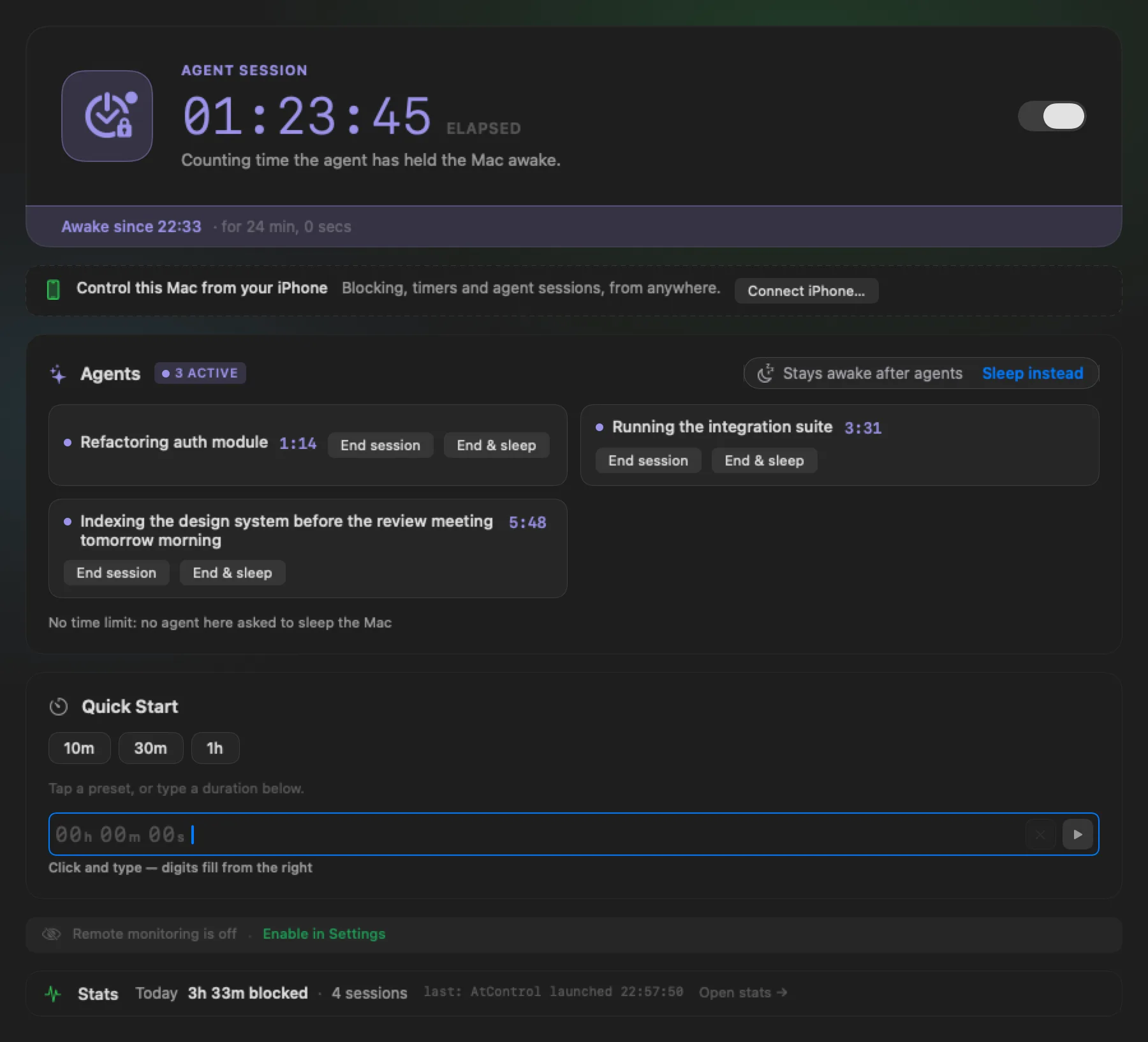
Both apps are built and I use them every day. What is missing is the evidence from Macs and phones that are not mine. That is what you would be giving — and you get both apps, free, before anyone else.
TestFlight is Apple’s beta service. You need the TestFlight app on each device; there is no sign-up form here and no email address is collected.
How it works
1
Install TestFlight
Apple’s app, from the App Store, on the Mac and on the phone or iPad.
2
Pick a track
Just the Mac, the phone, or an agent — whatever matches how you would use it. Nobody has to do all of it.
3
Use it for real
Leave the Mac alone for a night. Then tell me what happened — with Send Beta Feedback, right in TestFlight.
Pick a track
What I would like you to test.
And one thing that is not on any list: if a feature you need is missing, ask for it in your beta feedback. Missing features are feedback too.
Just the Mac
No phone needed.
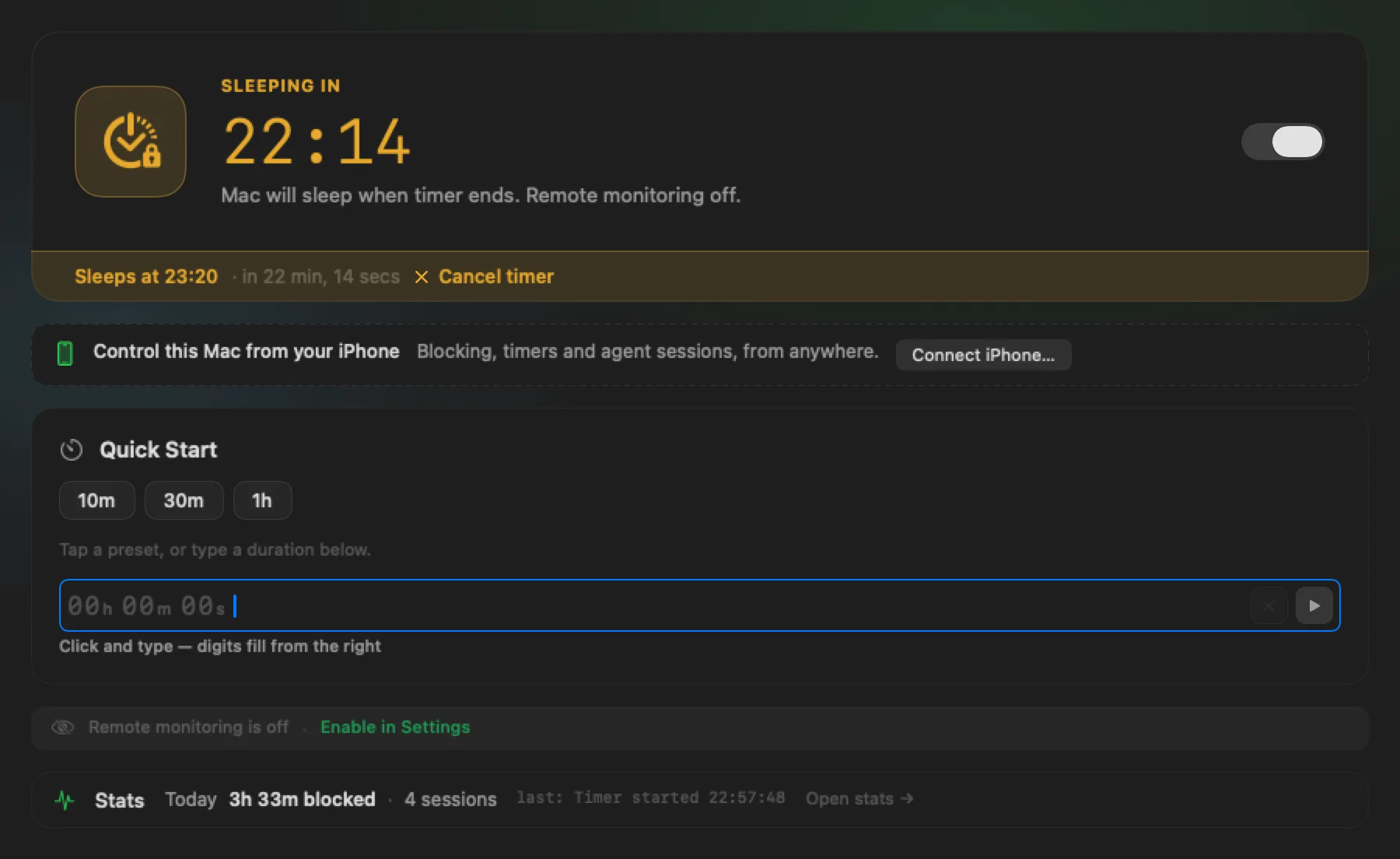
Turn the switch on and leave the Mac alone for longer than its Energy Saver setting. Did the screensaver stay away?
Start a timer and let it finish. Did the Mac sleep at zero? Save your work first.
Close the lid, lock the screen, run the battery low — with the matching rule on and off.
Run it as a window, as a menu bar item, and as both. Quit and relaunch.
AtControl
The phone
Pairing and remote commands.
Pair with the QR code, then unpair from each side and pair again.
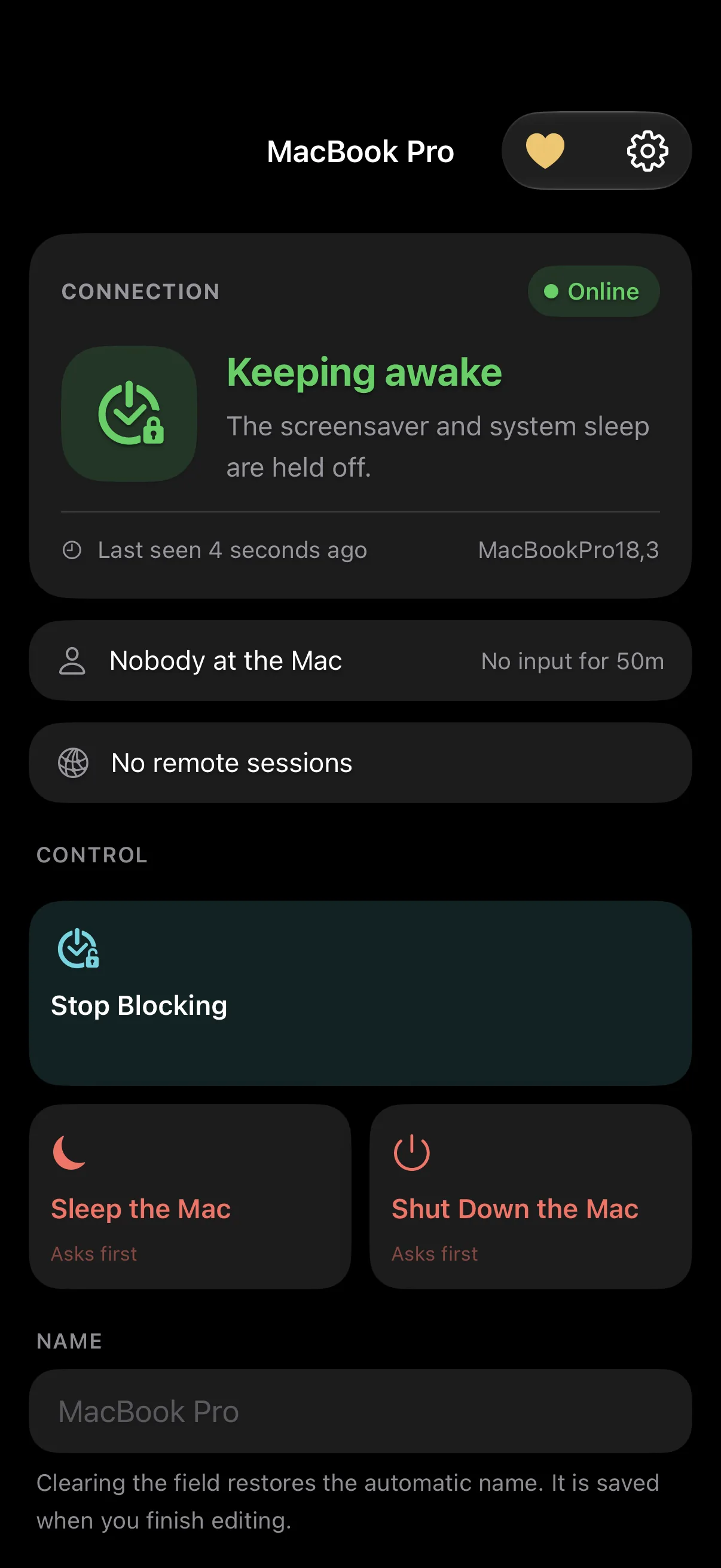
With the Mac in another room: block, unblock, sleep. Was the outcome shown honestly? Wi-Fi and cellular.
Put the Mac to sleep by hand: does the phone say Sleeping, and does “Last seen” stop moving?
Turn on “Someone at the Mac”, walk away, come back and touch the keyboard.
An agent
If you run Claude Code, Codex CLI or similar.
Settings ▸ Agents ▸ Copy for Your Agent, paste it into a new session, answer the questions.
Did the row turn green?
In a real task, ask it to put the Mac to sleep when it is done.
Two agents at once: does sleep wait for the last one?
AtControl
What you get
Both apps, free, before release. They stay free after release too, and so does syncing through iCloud — each has a tip jar, and tips unlock nothing; the beta is not a trial.
Builds that expire. TestFlight builds stop working 90 days after upload. A new build arrives before that.
The current state, honestly labelled. Each build’s “What to Test” note says what changed and what is known not to work.
What to expect (the honest paragraph)
Commands and results survive app restarts. Repeated delivery should not repeat the action.
If confirmation takes longer than 60 seconds the phone keeps the outcome unconfirmed; it does not assume failure. A sleep or shutdown confirmation means the system accepted the request, not that the final power state was independently verified.
While the Mac is awake, commands are checked every 30 seconds and a heartbeat is sent every 60 seconds. Delivery while the Mac is asleep is not guaranteed.
Status, activity history, pairing records and commands are stored in your private iCloud database, with local copies on paired devices. There is no application-level end-to-end encryption. When the last phone is unpaired, or iPhone sync is switched off, the Mac deletes its data from iCloud, and a phone erases what it held about a Mac it is no longer paired with. The Mac’s own journal stays until you clear it or use Erase All Data.
When something is wrong
Send it from TestFlight.
Bugs, rough edges and missing features alike. Use Send Beta Feedback — a screenshot from the device attaches itself — or email support@atcontrol.app.
Which app and which build number (Settings ▸ About on the Mac; Settings on the phone).
What you did, what you expected, what happened.
Roughly when, and whether the Mac was awake, asleep or in another app.
Wi-Fi or cellular on the phone.
For a phone command: the outcome as the phone showed it.
Never send a pairing link, a QR code, a capability token or anything from the Keychain. They are not needed, and a report that contains one will be deleted.
Beta software may contain errors and may not work as intended. Save your work before testing sleep or shutdown. Use is governed by Apple’s TestFlight terms and by the Terms of Use; how data is handled is in the Privacy Policy.